Running AI Models on Your Own Hardware
You don't need a cloud subscription to run capable AI. How to run Llama, Mistral and other open-source models on your own machine with Ollama.
On this page
 Ollama
 Llama
Llama
 Mistral
 DeepSeek
 Qwen
Qwen
 Apple Silicon
 NVIDIA
You’ve been using AI through a browser. Someone else’s server is doing the thinking. Your prompts travel over the internet, get processed by a model you don’t control, and come back filtered through whatever guardrails that company decided to apply.
That’s one way to do it. It’s not the only way.
There’s a whole other category of AI: open-source models that run entirely on your own hardware. No API key. No monthly subscription. No data leaving your machine. And increasingly, no meaningful gap in quality from the big cloud providers.
This is how you get started.
Why Run AI Locally?
Privacy. Every prompt you send to a cloud AI gets logged, analyzed, and potentially used for training. If you’re working with client data, business strategy, or anything sensitive — local models mean that data never leaves your machine.
Cost. Once the model is downloaded, inference is free. No tokens, no credits, no bills. You can run millions of queries and pay nothing extra.
Speed. On capable hardware, local models respond faster than cloud APIs because there’s no network round-trip. It feels instant.
Control. You decide what model you run. You decide what version. You decide what system prompt it operates under. Nobody can deprecate your setup or change the behavior with a silent update.
Ownership. The model runs whether or not the company behind it exists next week.
What You Need
You don’t need a supercomputer. Modern local AI is more accessible than people think.
Minimum viable setup:
- 16GB RAM
- A reasonably modern CPU (2019 or newer)
- 10-20GB of free disk space per model
Better setup (unlocks larger models):
- 32GB RAM
- A dedicated GPU with 8GB+ VRAM (NVIDIA RTX 3070 or better, AMD RX 6800+, or Apple Silicon M-series)
- Models run dramatically faster on GPU — the difference between 10 tokens/second and 60+ tokens/second
Apple Silicon (M1/M2/M3/M4) deserves special mention: the unified memory architecture makes it exceptional for local AI. An M3 MacBook Pro with 36GB of RAM will outrun many desktop GPU setups for inference.
Getting Started with Ollama
Ollama is the easiest way to run local models. It handles downloading, managing, and serving models through a clean command-line interface and a local API at localhost:11434.
Install it:
On Mac:
brew install ollama
On Windows/Linux: download the installer from ollama.com.
Pull a model:
ollama pull llama3.2
Run it:
ollama run llama3.2
That’s it. You’re now talking to an AI that runs entirely on your hardware.
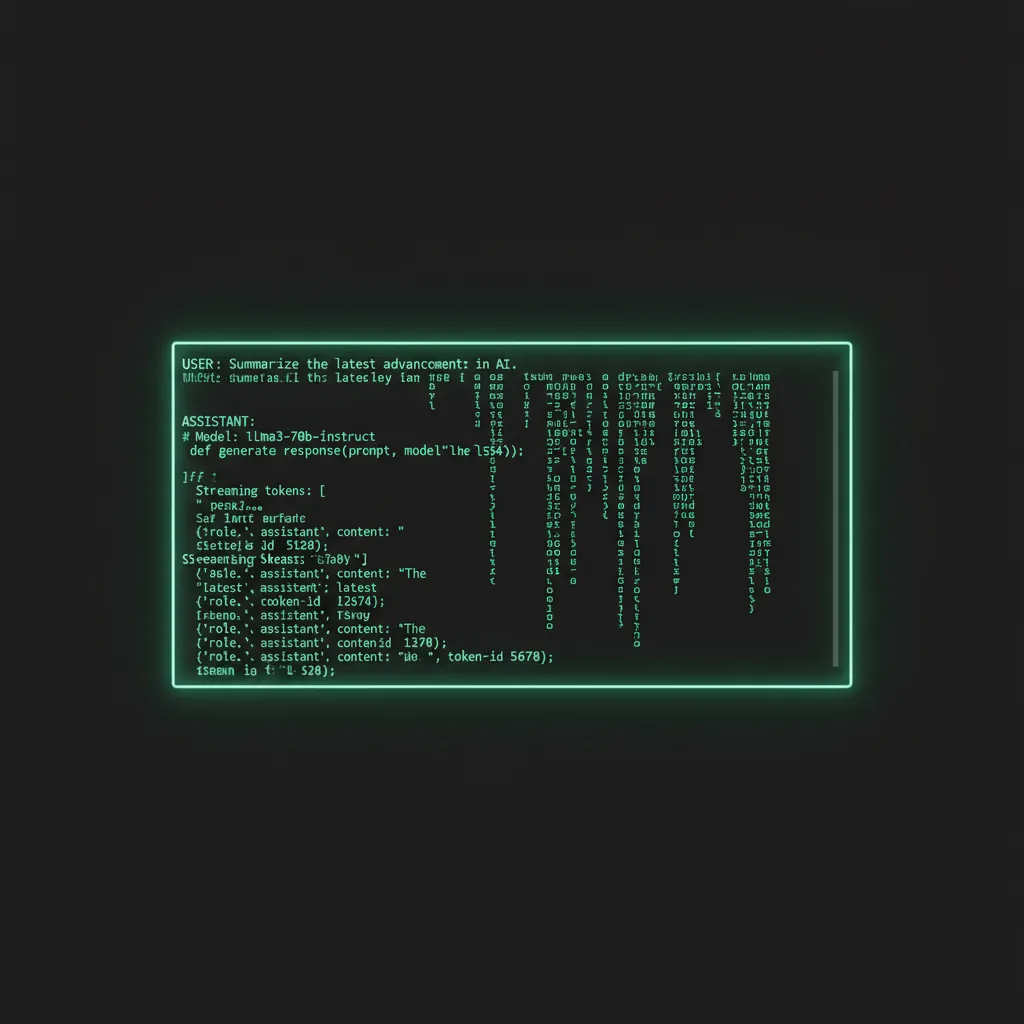
Ollama also exposes a local REST API compatible with OpenAI’s format — so any tool or code that works with OpenAI’s API will also work with Ollama by just changing the base URL.
Best Models to Start With
The open-source model landscape moves fast. Here are the most useful ones as of early 2026:
Llama 3.2 (Meta)
The flagship open-source model family. The 3B and 8B versions run well on consumer hardware. Strong at reasoning, coding, and conversation. Good general-purpose starting point.
Mistral / Mistral Nemo Excellent performance per parameter. Known for being sharp, fast, and surprisingly capable at a small footprint. Great for tasks where response speed matters.
Qwen 2.5 (Alibaba) Surprisingly strong multilingual performance and coding capabilities. The 7B version punches above its weight. Worth experimenting with if Llama or Mistral feels too familiar.
DeepSeek-R1 Optimized for reasoning tasks. If you’re doing anything that requires step-by-step logic — math, code review, analysis — this is worth trying.
To see all available models: ollama list
To download any model: ollama pull [modelname]
What You Can Actually Do
Once you’re running local models, the use cases open up fast:
- Private document analysis — drop a PDF or text file into context, ask questions without that data ever hitting a cloud server
- Local coding assistant — run a model as a persistent background service, hook it into your editor via a plugin
- RAG pipelines — build retrieval-augmented generation systems on your own data
- Batch processing — run thousands of prompts overnight at zero marginal cost
- Offline work — AI that works on a plane, in a basement, wherever
The Next Level: Full Control Over the Model Itself
Here’s what running local models unlocks that cloud AI fundamentally cannot: you own the weights.
The weights are the model. Every bias, every learned behavior, every refusal — it all lives in a file on your disk. You can modify it.
There’s a technique called abliteration — a process for removing specific learned behaviors from a model at the weight level. Not prompting around them. Not jailbreaking. Actually editing the model to change what it does.
We’ll cover the full technical breakdown in the next post. But the point is this: when the model runs on your hardware, you’re not a user of someone else’s product. You’re the operator. And that distinction matters more than most people realize.
Ready to go deeper? Read Part 2: What Is Abliteration? →
And if you’d rather have someone build the local-AI setup for you — knowledge base, integrations, monitoring, the works — that’s literally what we do.